
Forex CRM migration: what to check before moving client data
Plan a forex CRM migration around client records, wallets, KYC files, IB rules and reconciliation. A practical checklist for broker operations teams.
A forex CRM migration needs a data map, a reconciliation plan and a tested rollback process. Exporting client names is the easy part. The real test is whether your team can explain every balance, document status and partner relationship after the move.
Start with the workflows that would stop the business if they failed. For most brokers, that means account access, funding requests, withdrawals, verification and IB calculations. Your migration plan should name the owner and acceptance test for each one.
Decide which system owns each record
A CRM record, trading account and payment transaction can describe the same client without using the same identifier. Before importing anything, map those identifiers and define the source of truth. Do not treat a CRM wallet value and a trading-account balance as interchangeable.
Build a small inventory:
| Record | Questions to resolve |
|---|---|
| Client | Which ID is permanent? How are duplicates handled? |
| Trading account | Which client and server does it belong to? |
| Verification | Where are files stored, and can the new team access them? |
| Wallet and payment | Which ledger owns the balance and transaction state? |
| IB relationship | Who is the parent, and which reward rule applies? |
| Sales history | Which notes, tasks and ownership fields must survive? |
Keep the original export unchanged. Work from a copy and retain a record of transformations. If two fields have similar names, check their meaning before combining them.
Test difficult records before easy ones
Use a controlled sample that includes duplicates, missing documents, multiple trading accounts, pending withdrawals and a multi-level IB relationship. These cases reveal assumptions a clean demonstration account will not expose.
Check whether historical timestamps retain their timezone. Confirm that a closed task does not reopen on import. Verify that a client assigned to one sales team cannot become visible to another team simply because a role name changed.
This is acceptance testing to request, not a claim that a particular vendor performs every step automatically.
Reconcile before you announce completion
Counting imported clients is necessary but insufficient. Compare transaction counts and totals by currency and status. Reconcile representative accounts at record level. Investigate differences; do not clear them by overwriting balances until the totals match.
For IBs, run the same test activity through the agreed reward rules and compare expected results. Include an exception, such as an excluded account group or a corrected trade. The buyer and vendor should agree how historical rewards will be handled before migration.
Give cutover an owner and a reversal point
The cutover plan should identify when writes stop, how changes since the test export are collected, who authorises the move and what triggers a rollback. A rollback is not simply switching the old login page back on: new activity may need reconciliation too.
Do not announce “zero downtime” unless the actual architecture and test results justify it. A defined maintenance window can be more useful than an unsupported promise.
Where UpTrader fits
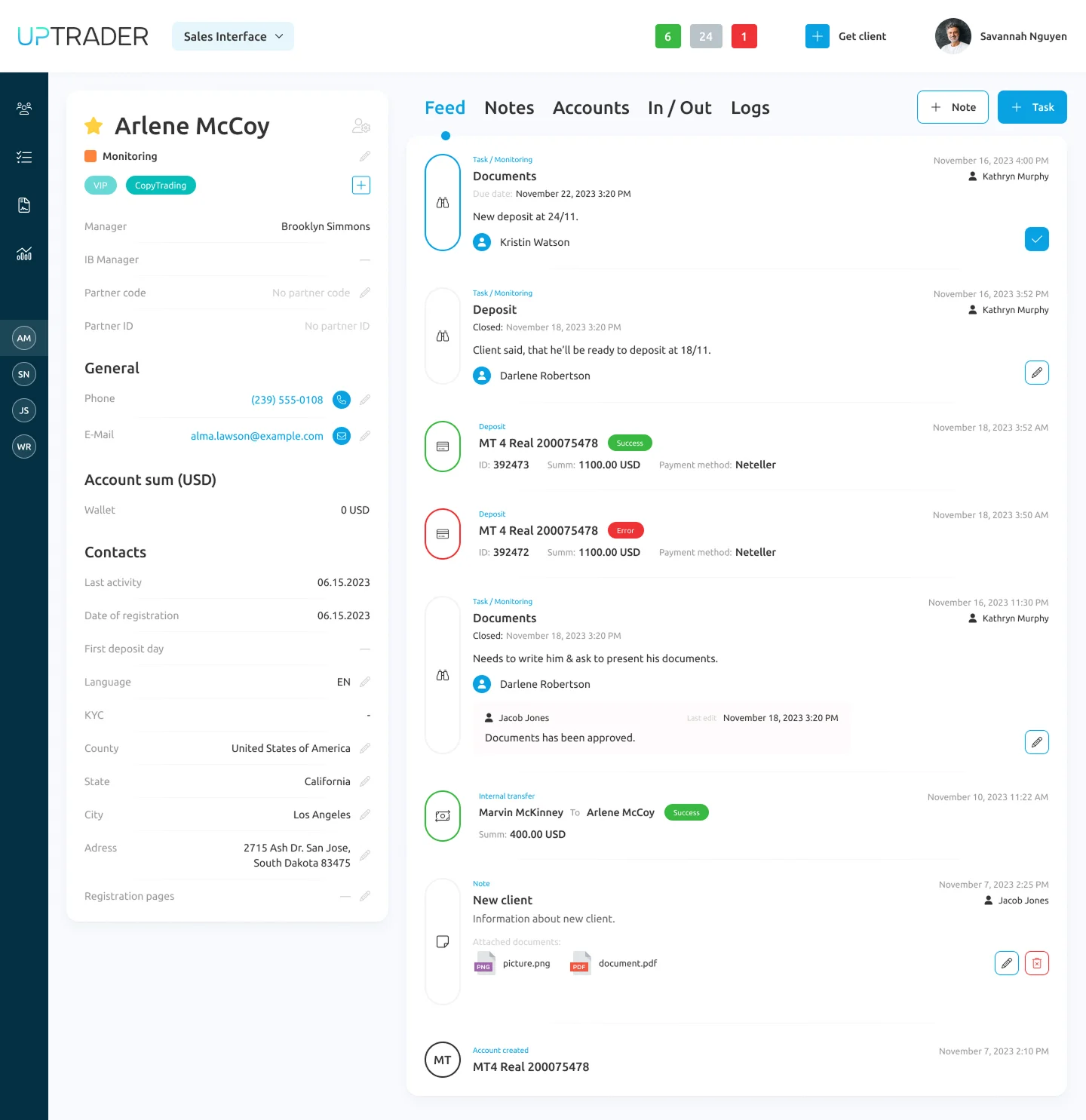
UpTrader documents a Trader's Room, Back Office, Admin Module, Sales Interface and IB tools in its sales presentation. These are the destination workflows to evaluate. Their existence does not establish that a migration from your current CRM is automatic or included.
Bring your data inventory and a sample export to a walkthrough. TradeLab Solutions can coordinate a discussion of the required scope, dependencies and responsibilities.
Questions to ask before signing
Who writes and validates the field mapping? What remains in an archive? Who resolves differences? What is the acceptance threshold? How do we leave the system later?
If those answers are missing, the migration is not yet fully scoped.
Discuss your UpTrader CRM migration.
Product references: UpTrader CRM, Back Office.
Ready to launch? Book a free consultation.
Talk through your setup, jurisdiction, and infrastructure with our team — no obligation, no sales pitch, just practical advice.
Book a free consultation