
Forex trader’s room: test the path from registration to funding
Assess a forex trader’s room through registration, verification, account creation and funding, with practical checks for broker operations teams.
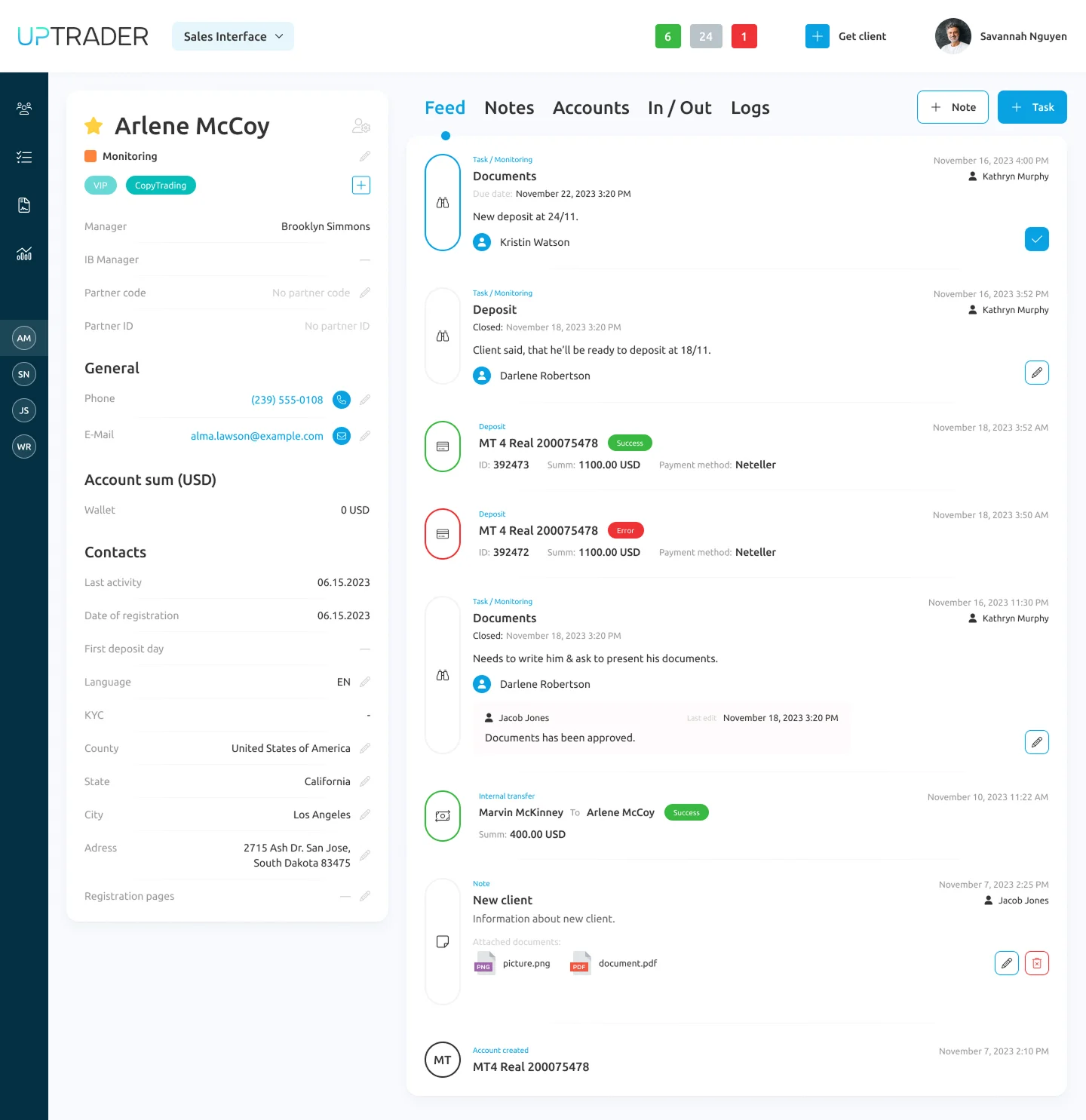
A forex trader's room is the client-facing area used to manage accounts and related requests. Evaluate it by completing real tasks: registering, providing verification information, opening an account and checking a funding request.
The useful question is not how many widgets fit on the dashboard. It is whether a client understands what to do next, especially when something has not gone to plan.
Walk through the journey as a new client
Start from a new account on a phone. Use the languages your clients actually need. Check the registration instructions, confirmation messages and the next visible action. Do not let the demonstrator skip a step because it is familiar to them.
At verification, inspect a missing or rejected document. Can the client understand which item needs attention? Can the operations team see the same status? Who is responsible for replying?
These checks concern clarity and operational consistency. They do not replace your compliance team's decision about what information must be collected.
Separate a request from a completed transaction
A client can submit a funding request without the funds being available in the trading account. The interface should make the relevant stages understandable within the broker's actual payment setup.
During evaluation, ask to follow a successful request and a delayed one. What does the client see? What does the back office see? What happens if the client contacts support before processing is complete?
Repeat the exercise for a withdrawal request. Avoid judging the experience solely from a screenshot of a completed transaction.
Check the account model
A client may have a wallet and more than one trading account. Ask the demonstrator to explain how the balances relate and how the client moves between the relevant screens. Confirm account types, currencies and the actions the broker intends to allow.
Use your actual product terminology. If the website calls something an “investment account” and the portal calls it something else, resolve the mismatch before launch. Clear labels cost less effort than explaining the same distinction in every support conversation.
Measure the steps you can act on
Define events for completed registration, submitted verification, approved verification, account creation and confirmed funding. Agree what each event means and where its timestamp comes from.
Compare cohorts using the same definitions. A rate calculated from all website visitors cannot be compared directly with one calculated only from completed registrations. Avoid attributing an improvement to the portal if the acquisition mix or approval policy also changed.
A useful dashboard tells you where to investigate. It does not establish the cause by itself.
Where UpTrader belongs in the evaluation
UpTrader's Trader's Room documentation and supplied presentation describe account management, multi-currency wallets and transaction-related views. The Back Office documentation covers client activity and deposit, withdrawal and verification workflows.
Use these as a starting point for the demonstration. Confirm the exact payment providers, account types, languages and configuration required by your brokerage. A listed feature is not evidence that your particular provider or workflow is already configured.
A practical demo brief
Send the vendor this request: “Show registration, a document that needs correction, account creation, a funding request, a delayed transaction and the matching internal view. Then show the same client journey on mobile.”
That brief produces a more informative meeting than “show us the platform”. It also gives your operations team a concrete basis for acceptance.
Review UpTrader's client workflows with TradeLab Solutions.
Product references: Trader's Room, Back Office.
Ready to launch? Book a free consultation.
Talk through your setup, jurisdiction, and infrastructure with our team — no obligation, no sales pitch, just practical advice.
Book a free consultation